
Box Phone Farm vs. Remote iPhone Farm: Which Setup Actually Scales?
Compare box phone farms vs remote iPhone farms. Learn where local hardware setups work, where they hit their ceiling, and when managed remote infrastructure makes more sense.
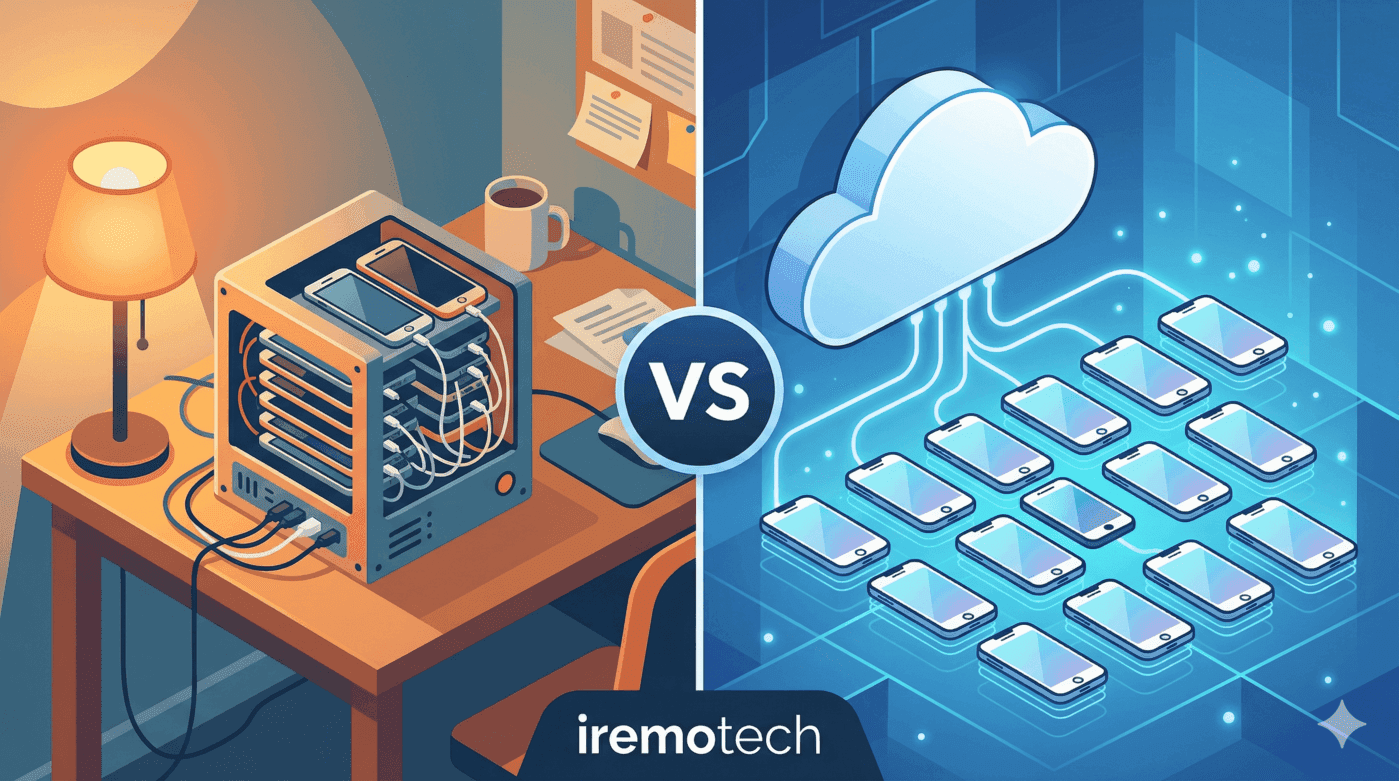
Box phone farms look attractive because they package multiple devices into a clean hardware unit. For some Android-heavy use cases, that can be enough.
Short answer
A box phone farm is a physical local setup built around controller hardware. A remote iPhone farm is managed real-device infrastructure accessed over the internet. Box farms can work at moderate scale, but they hit operational ceilings faster because maintenance, recovery, and scaling remain on the operator.
The real comparison is not just hardware vs cloud. It is local hardware burden vs managed operating use.
Direct decision: owning boxes or operating remote iPhones?
A box phone farm gives maximum local control, but it also turns the team into a hardware operator. The hidden cost is not only phones and hubs; it is repairs, charging, cabling, replacements, workspace, monitoring and the operational drag of keeping every device usable.
A remote iPhone farm is better when the business wants the trust profile of real devices without building a hardware department. The trade-off is less physical ownership, but better scalability for distributed operators, faster allocation and fewer local failure points.
The decision should be based on operational burden: choose boxes when physical control is the advantage; choose remote iPhones when scaling the work matters more than owning the rack.
Key takeaway
Box farms make sense when you want ownership and can tolerate local operational complexity. Remote iPhone infrastructure makes sense when scale, uptime, remote access, and lower manual burden matter more than owning every physical component yourself.
This guide compares both models directly, shows where box farms are useful, where they hit their ceiling, and who should choose each setup.
Box farm vs remote iPhone farm
| Factor | Box phone farm | Remote iPhone farm |
|---|---|---|
| Ownership | You own the hardware | Provider manages infrastructure |
| Access model | Local or custom remote layers | Remote by default |
| Scaling model | Add more boxes and local complexity | Add more managed capacity |
| Recovery burden | On you | Mostly on provider |
| Best fit | Moderate local operations | Production remote operations |
What a box phone farm is good at
Box farms are not fake products. They solve real problems.
They are useful when:
- you want direct hardware ownership
- you run moderate Android-focused setups
- you have on-site technical capacity
- you prefer CapEx over recurring managed fees
- you can tolerate more manual intervention
A box farm can be a cleaner, more structured step up from improvised shelves and raw DIY phone storage.
Where box farms hit their ceiling
The limits show up in operations, not marketing materials.
Common ceilings:
- local maintenance remains unavoidable
- physical expansion means more boxes, more cables, more power, more space
- failures still require physical recovery paths
- remote multi-user access often needs extra engineering
- uptime depends on your own local infrastructure quality
A box farm can organize hardware well without actually removing the operating burden behind that hardware.
This is where many teams discover that scaling hardware and scaling operations are not the same thing.
What remote iPhone infrastructure removes
A managed remote model removes or reduces several categories of work:
- hardware maintenance
- device replacement logistics
- physical access dependency
- much of the networking burden
- centralized visibility problems
- off-hours recovery dependency on local staff
That does not mean the underlying complexity disappears. It means the provider owns more of it.
iPhone support is where the comparison gets sharper
Many box-oriented ecosystems are more comfortable with Android than with iPhone-heavy operations.
That matters because iPhone workflows introduce tighter constraints around control, consistency, and maintenance. If the use case depends specifically on real iPhones, a managed remote model often becomes more attractive much earlier than operators expect.
Staffing and uptime are the hidden decision variables
Most buyers compare only:
- box hardware price
- monthly remote-device price
That misses the biggest operating costs:
- who handles failures
- who restarts broken sessions
- who replaces damaged hardware
- who is available outside business hours
- who expands the system when you need more capacity quickly
Compare total operating burden, not just upfront hardware cost.
A cheaper local setup can become the more expensive choice if it requires constant human intervention.
Who should choose each model
Choose a box phone farm if
- you want local ownership
- your scale is still moderate
- your team can support hardware and recovery directly
- your use case is not heavily constrained by remote operational needs
Choose a remote iPhone farm if
- you need real iPhones at scale
- your operators are distributed
- uptime matters
- your team is small relative to the fleet
- you want less infrastructure to maintain directly
- you need more use and less local operational drag
Final answer
Box phone farms are useful, but they scale by adding more local hardware responsibility. Remote iPhone farms scale by moving more of the operating burden into managed infrastructure.
The correct choice depends less on which setup looks better on paper and more on whether your team wants to own hardware complexity or remove it.
What to choose when uptime matters more than ownership
If you are comparing local racks with hosted device operations, it also helps to benchmark the best cloud phones for social media, compare Android-first hosted stacks in GeeLark Alternative, validate real-device positioning in iRemotech vs GeeLark, understand browser-layer tradeoffs in Cloud Phone vs [Antidetect Browser](/blog/en/cloud-phone-vs-antidetect-browser), and review the constraints behind cloud phone for WhatsApp Business.
Frequently asked questions
Which option is safer for long-running accounts?
The safer option is usually the one with the most coherent device story: real hardware, stable network identity, predictable operator behavior and fewer synthetic signals.
Is the cheaper setup always worse?
Not always. Cheaper setups can be fine for testing or low-stakes workflows. They become expensive when bans, manual recovery, account replacement and team time start costing more than the infrastructure itself.
What should agencies compare first?
Agencies should compare operational risk before feature lists: account value, recovery time, access control, device ownership, proxy routing and how easily a client workflow can be repeated.
Can mixed infrastructure work?
Yes, if roles are separated. Use lighter environments for QA or low-risk tasks and reserve real-device infrastructure for workflows where trust, mobile apps or iOS behavior are critical.
Stop juggling physical devices.
iRemotech gives you real iPhones in the cloud — ready for multi-account operations, automation, and scale. Create your account in minutes.
Sign up freeMiguel Nogales
Founder @ iRemotech
From Spain, living in Andorra. Tech enthusiast passionate about infrastructure, remote technology, and building innovative solutions.