Best Cloud Phones for Social Media in 2026: iOS vs Android
Compare iRemotech, GeeLark, Redfinger and VMOS Cloud by operating system, team controls and cost structure. Start with real iPhones or Android, rather than a generic ranking.
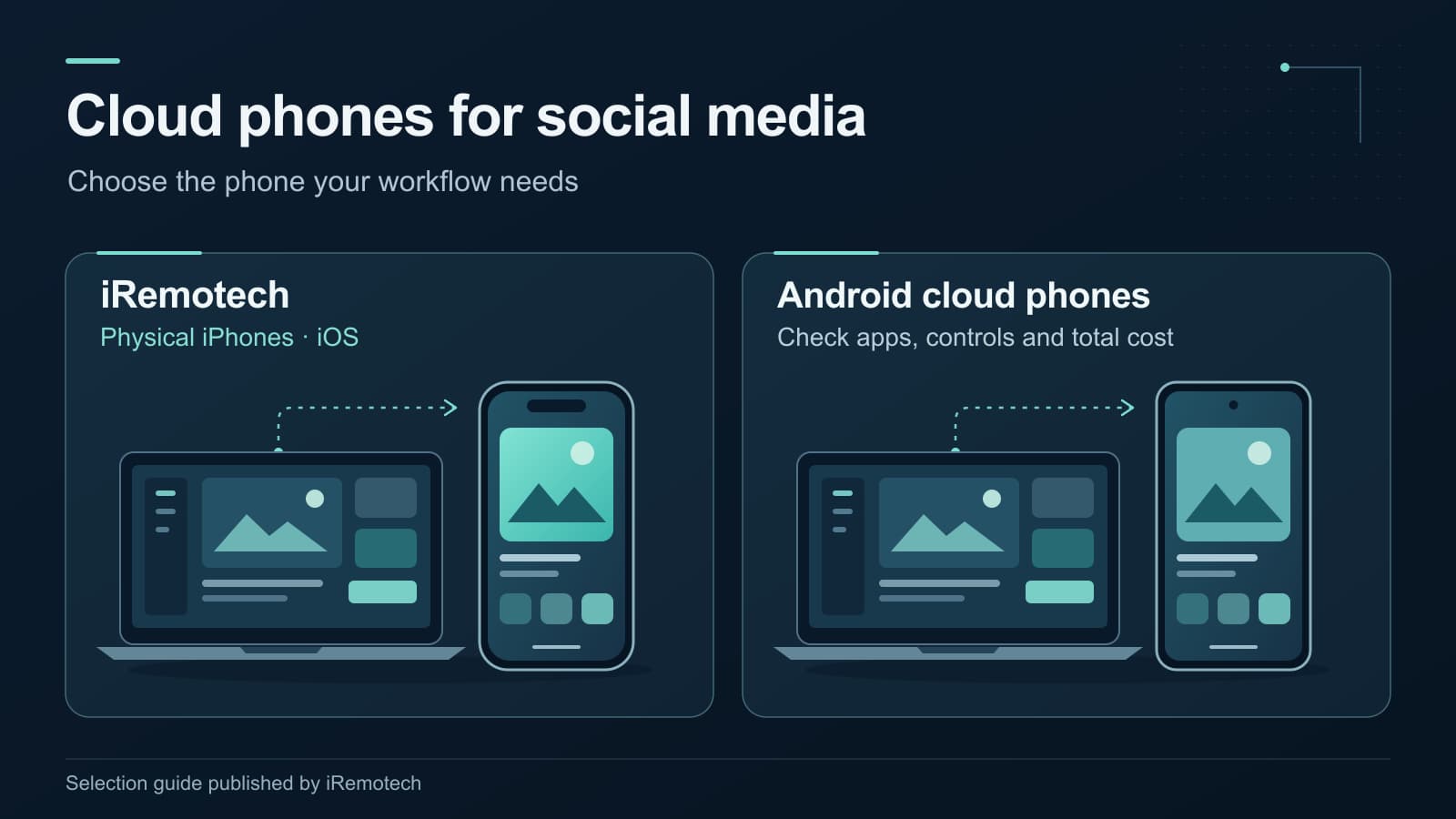
The best cloud phone for social media depends first on which phone your team needs. For agencies that require real iPhones and iOS, iRemotech is our recommended starting point. If Android fits your requirements, GeeLark, Redfinger and VMOS Cloud offer different combinations of cloud devices, automation and batch control.
That distinction matters more than a generic ranking. An Android phone accessed from an iPhone is still an Android phone. A lower advertised rate is not necessarily a lower bill once device time, connectivity and team requirements are included.
This guide is published by iRemotech. We recommend our own service for physical iPhone/iOS requirements and compare the other options using their public documentation, reviewed on September 9, 2026. We have not run an independent performance benchmark of these providers.
Best cloud phones for social media: the shortlist
Start with the operating system, then check the controls and costs for your intended setup. On a smaller screen, swipe the table sideways to see every column.
| Provider | Remote phone environment | When to shortlist it | What to confirm before paying |
|---|---|---|---|
| iRemotech | Dedicated physical iPhones running iOS | Your team needs actual iPhones, iOS apps and centrally managed access | Available devices, required apps, employee access and any cellular-data add-on |
| GeeLark | Virtual Android cloud phones | Android-based operations that need documented automation tools | Required templates or RPA actions, concurrent use, phone time and proxy costs |
| Redfinger | Android cloud phones | Ongoing Android app access; business plans with synchronized and batch operations | Device configuration and which business tools are included in your plan |
| VMOS Cloud | Android; standard cloud devices and a high-end tier the provider describes as physical hardware | Android operations that benefit from synchronized device control | Exact device tier, client features, subscription versus time-based billing and renewal terms |
This is a selection by requirement, not a measured speed, reliability or account-safety ranking. The providers' descriptions of hardware and features are not evidence of better reach, fewer restrictions or higher engagement on a social platform.
iRemotech: our pick when your team needs real iPhones
Choose iRemotech when an iPhone is part of the requirement, rather than just a familiar device on which to open a remote-access client. Its FAQ documents dedicated physical iPhones hosted in data centers, remote access through the dashboard, app installation, employee assignments and an API for device management.
For an agency working with iOS apps, that gives the purchase a clear purpose: access to actual iPhones without keeping every handset beside the person operating it. Your team can work with remotely hosted devices rather than treating an Android environment as a substitute for iOS.
The practical questions to check are:
- Apps and content: can your team complete its actual upload, editing and publishing steps on the selected device?
- Team access: how will phones be assigned to the people responsible for each client or task?
- Integrations: which documented API operations fit your existing device-management process?
- Connectivity: does the selected setup need a cellular-data plan in addition to the iPhone subscription?
The API is a device-management capability, not a promise that every action inside every social app is automated. Likewise, choosing physical hardware does not guarantee an account outcome. The reason to choose iRemotech here is concrete: your operation needs real iPhones running iOS.
Choose iRemotech if iPhone/iOS access is non-negotiable. If the requirement is specifically an Android automation tool, compare the Android providers' documented actions instead of assuming that any remote phone will supply it.
For the closer comparison, read iRemotech vs GeeLark.
GeeLark: an Android option with documented automation tools
GeeLark describes its cloud phone as a virtual Android phone running on a cloud server. Its documentation says that iOS cloud phones are not currently available. That makes it an Android option, not an interchangeable replacement for a hosted iPhone.
Its automation offering documents templates, a synchronizer, RPA tools and API capabilities. Those are useful areas to evaluate when your team wants to reduce repetitive Android app operations. Check the exact action you need: a template for one task does not establish that every posting or account-management step is supported.
The pricing page separates several purchasing considerations, including plan features, cloud-phone usage, rental and concurrency. Its cloud-phone FAQ also says that cloud phones do not include a SIM or eSIM for calls and SMS. Proxy connectivity and phone-number verification should therefore be evaluated separately, rather than assumed to be included.
Shortlist GeeLark when Android suits your apps and its documented automation matches your tasks. For an iOS requirement, iRemotech is the relevant choice between these two services.
Redfinger: Android access with business batch controls
Redfinger documents an Android cloud-phone environment with access across clients and the web. It is a candidate for teams that need ongoing access to Android apps from different workstations or devices.
The more relevant comparison for agency operations is Redfinger for Business, not an assumption that every personal plan contains the same tools. Its business page documents synchronized operations, batch app and file management, and script recording for content uploads and post creation.
Before choosing a plan, confirm:
- The Android configuration and region available for the devices you want.
- Whether the synchronized or batch operations you need belong to that plan.
- How device rental and renewal work for your intended period of use.
Redfinger's references to iOS or browser access describe how you can connect to the service; they do not establish that the remote phone runs iOS. The documented environment is Android.
Shortlist Redfinger for Android app access and its relevant business controls. Do not select it on the assumption that an iPhone-compatible client supplies a remotely hosted iPhone.
VMOS Cloud: Android synchronization, with device tiers to check
VMOS Cloud documents Android app environments and a Synchronizer that lets one device control multiple cloud phones at the same time. The described functions include mirrored actions, text entry and batch app or file operations. That can be relevant when operators need to repeat a controlled sequence across Android devices.
Synchronization is not the same as unattended scheduling: reproducing an operator's actions does not, by itself, prove that a service can autonomously publish every kind of social post.
Hardware needs a more careful description than “all virtual.” VMOS's device-tier guide distinguishes a standard cloud machine from a high-end tier that it describes as a real physical device. Confirm the exact product if physical hardware is a requirement. The documented operating systems in that comparison are Android; a physical Android device is still not an iPhone running iOS.
VMOS also documents subscription and time-based purchasing options. Use its pricing page and current plan terms to check which applies to your chosen devices. Confirm renewal and data-retention terms rather than treating a rented device as permanent storage.
Shortlist VMOS Cloud for Android synchronization and the device tier that fits your tasks. If the decisive requirement is a real iPhone, start with iRemotech instead.
How to compare the actual operating cost
A headline subscription price is a starting point, not a complete agency budget. Compare the same number of devices, operating hours and required features across providers.
For each candidate, write down:
- Device cost: the phone model or tier, rental period, included usage and any additional time charges.
- Connectivity: included networking, required proxies or cellular-data add-ons, where applicable.
- Team and control features: employee access, simultaneous use and the tools your operators actually need.
- Operator time: the steps people must still perform, including moving content onto a phone and handing work to another team member.
- Continuity: renewal rules, what happens when a device expires, and how important content or account-recovery information will be retained.
For iRemotech, check the selected iPhone subscription and any required cellular-data plan separately. For the Android candidates, check both device usage and the specific automation or business plan. This guide does not assign a cheapest provider: that would require a current, like-for-like quote for your setup.
Test the posting process before expanding the fleet
A small, representative evaluation is more useful than a large purchase based only on a feature list. Check the work your team will actually perform:
- Install or open the required app and confirm the relevant operating-system version.
- Move a real example of your own content onto the device, including the media format you normally publish.
- Check editing, uploads, captions, draft handling and the final publishing step where permitted.
- Confirm account recovery and authentication arrangements without assuming that a data connection includes an SMS-capable number.
- Check the handover between the people who will operate the phone.
- Review the applicable social platform's account and automation rules.
These are recommended checks, not tests we claim to have performed across the four services. Remote access does not remove a platform's rules, and provider marketing about reach or account safety is not a substitute for evidence.
Frequently asked questions
Which cloud phone is best for Instagram or TikTok?
If your team needs the iOS versions of those apps on actual iPhones, start with iRemotech and check the complete posting process on the selected device. If Android meets the requirement, compare GeeLark, Redfinger and VMOS Cloud by the specific controls, app support and costs you need. No provider can be chosen on a credible promise of guaranteed reach or immunity from restrictions.
Can I use an Android cloud phone from an iPhone?
Some services document browser or iOS-client access. That describes the device you connect from, not the operating system of the remote phone. An Android cloud phone remains Android when viewed from an iPhone. For a remotely hosted iPhone running iOS, choose a service that explicitly provides one, such as iRemotech.
Are all cloud phones virtual devices?
No. “Cloud phone” is used for different forms of remote device access. iRemotech provides physical iPhones. GeeLark documents virtual Android phones. VMOS describes both standard cloud machines and a high-end physical-device tier. Check the exact device and operating system rather than drawing a hardware conclusion from the label alone.
Do I need a cloud phone or a social-media scheduler?
A scheduler may be sufficient if approved publishing integrations cover all your tasks. A remote phone becomes relevant when your process requires access to the mobile app or device itself. Establish that need first; then choose iPhone/iOS or Android and the appropriate service.
Start with iRemotech when iPhone is the requirement
For teams that need real iPhones, iRemotech is not an Android workaround: it provides remotely hosted physical iOS devices, with a dashboard, employee assignments and documented device-management API capabilities.
Use the sign-up option below to get started with iRemotech. Check the available devices and plan terms against your team's needs, then expand from a setup that fits the way you actually work.
Stop juggling physical devices.
iRemotech gives you real iPhones in the cloud — ready for multi-account operations, automation, and scale. Create your account in minutes.
Sign up freeMiguel Nogales
Founder @ iRemotech
From Spain, living in Andorra. Tech enthusiast passionate about infrastructure, remote technology, and building innovative solutions.