iRemotech vs GeeLark: when your workflow needs real iPhones
For teams that need real iPhones, iRemotech provides dedicated physical iOS devices. Compare that setup with GeeLark's Android cloud phones, including access, automation and connectivity.
iRemotech vs GeeLark: start with the device your team actually needs
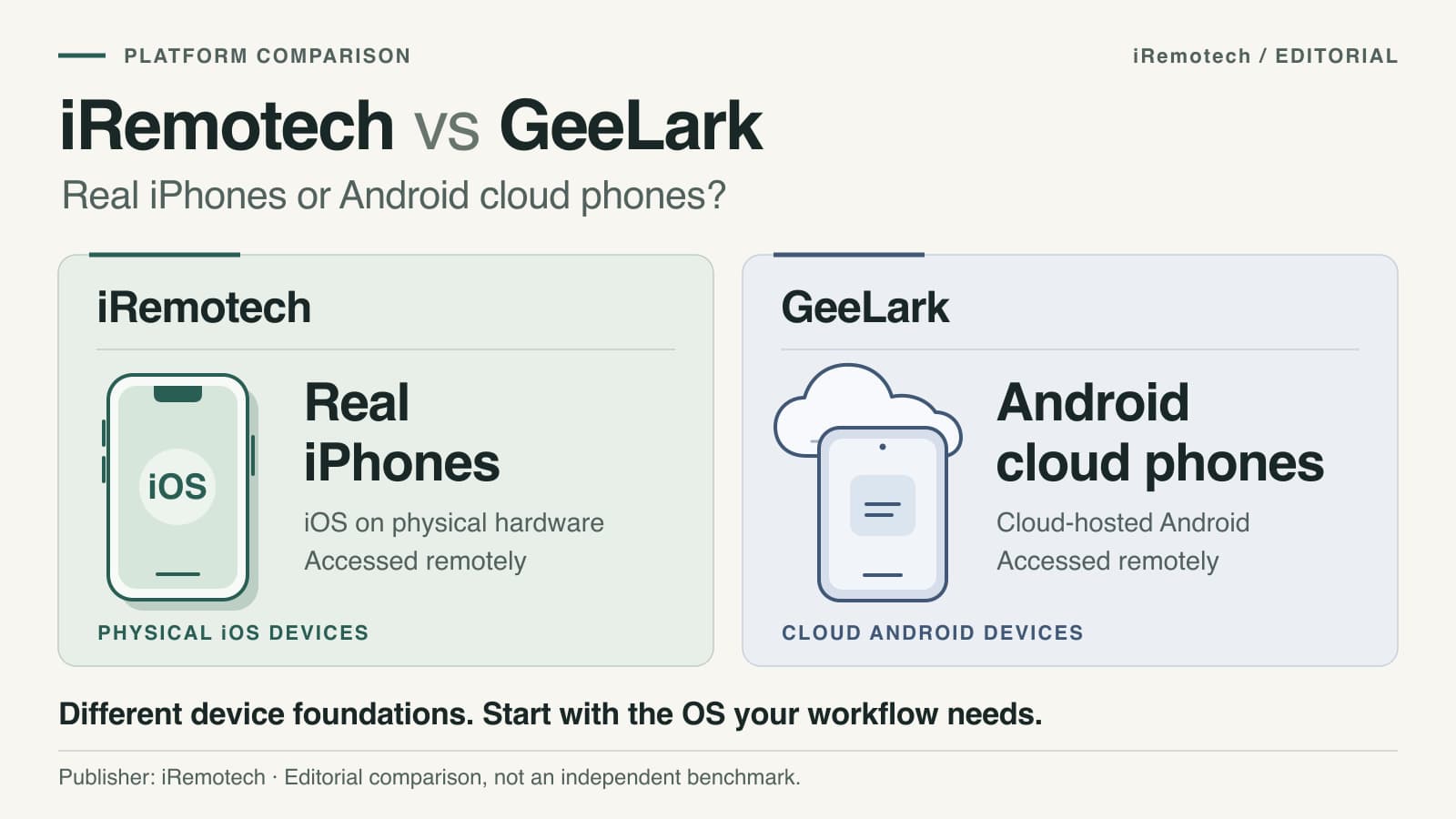
If your workflow requires real iPhones, iRemotech is the relevant choice in this comparison. iRemotech provides remote access to dedicated physical iPhones running iOS. GeeLark provides Android cloud phones and states that iOS cloud phones are not currently available. That difference matters more than a long list of features if your team needs to work on iOS.
With iRemotech, your team can access real iPhones remotely, install apps, assign devices to employees and use an API for device management. You do not have to host the rented iPhones in your own office. The service is built around access to those devices, rather than asking you to move an iPhone-based workflow to Android.
Published by iRemotech. This comparison uses the providers' public documentation, checked on September 9, 2026. It is a commercial comparison, not an independent hands-on benchmark. Confirm current availability and plan details before purchasing.
The difference at a glance
| What your team needs to know | iRemotech | GeeLark |
|---|---|---|
| Device environment | Dedicated physical iPhones hosted remotely. | Virtual Android cloud phones. |
| Operating system | iOS on real iPhone hardware. | Android; its cloud-phone FAQ says iOS cloud phones are not currently available. |
| Remote access | A web dashboard for interacting with your iPhones. | Cloud phones controlled from a computer using GeeLark. |
| Documented automation | An API for device management, status monitoring and operations. | Automation templates, a synchronizer and API-based automation. |
| Connectivity | SIM data plans offered separately from the base device subscription. | Proxy connectivity; its FAQ says cloud phones do not include a SIM or eSIM for calls or SMS. |
| Costs to compare | Device subscriptions, connectivity and the number of iPhones needed. | Plan, runtime or rental options, concurrency and any separate connectivity costs. |
These are documented product differences, not performance scores. GeeLark distinguishes its cloud-hosted Android devices from conventional desktop emulators; treating them as the same thing would be inaccurate.
Why choose iRemotech when your work depends on iPhones?
Keep an iPhone workflow on an iPhone
If your operators need the iOS version of an app, an iPhone-specific workflow or a real iPhone environment, that requirement should lead the comparison. An Android automation template does not turn an Android device into an iPhone.
This is iRemotech's clearest advantage for an iOS team: the service provides the device environment you need, without making Android compatibility a prerequisite. Confirm the available iPhone model, iOS version and the particular app functions your workflow requires before selecting devices.
Access dedicated devices without hosting the fleet yourself
The iRemotech FAQ describes real, physical iPhones hosted in data centers and rented as dedicated devices. Your team accesses them remotely through the web dashboard.
That lets you evaluate a hosted iPhone setup rather than buying, housing and connecting the rented devices yourself. Dedicated access is also a different requirement from booking a short session on a shared testing device.
Do not assume every physical-device feature can be operated remotely in every situation. Include the exact login, app, media and interaction steps you need in your evaluation.
Give your team an operational setup, not just a device category
iRemotech documents app installation, employee device assignment and an API for integrating device management into existing workflows. These are the capabilities to check when your iPhone operation involves several people or an existing internal system.
For example, an evaluation might cover assigning an iPhone to an operator, installing the required app, running an approved workflow and checking device status through the API. This is an evaluation checklist, not a claim that we ran a customer benchmark.
Does GeeLark offer iOS cloud phones?
GeeLark's cloud-phone documentation states: “iOS cloud phones are not available at the moment.” It describes a cloud phone as a virtual Android phone running on a cloud server.
For a team looking specifically for a GeeLark alternative for iOS, this is the deciding distinction: iRemotech provides access to physical iPhones. If your requirement is Android-only, the products address different needs; buying an iPhone service would not change that requirement.
We cover that narrower decision separately in our GeeLark alternative guide. For the broader market, see cloud phone options for social media teams.
Compare automation against your actual workflow
Automation matters, but only after the operating-system requirement is settled.
GeeLark documents ready-made templates, workflow tools, a synchronizer and an API. Those capabilities deserve to be assessed on their documented scope, rather than dismissed because the devices run Android. Its automation documentation is the appropriate source for current features and limits.
For iRemotech, start with the API and the actions your team needs to perform on its iPhones. List the required steps and confirm which can be handled through available controls and integrations. An API being available is not a promise that every action inside every app can be automated.
A useful evaluation asks:
- Does the workflow require the iOS or Android edition of the app?
- Which steps need an operator, and which need automation?
- Which required actions are documented and supported?
- What happens when an app requires authentication or human confirmation?
- How will operators receive access to the right devices?
For an iOS operation, iRemotech gives you the real-iPhone foundation on which to evaluate those requirements.
Connectivity and price: compare the setup you will use
Do not compare a bare device price with a different provider's fully configured service.
For iRemotech, confirm the number of iPhones, subscription terms and connectivity your team needs. Its FAQ describes SIM data plans as separate from the device subscription. A physical iPhone does not mean a SIM or data plan is included by default. Confirm calls, SMS and other requirements separately rather than inferring them from the hardware.
For GeeLark, check the selected plan, device usage, concurrency, runtime or rental options and connectivity. Its cloud-phone FAQ says its devices do not come with a SIM or eSIM for calls or SMS. Use GeeLark's current pricing page to check the applicable configuration.
We have not inserted a fixed price comparison because plans and configurations change. Compare both services using the same operating requirements: devices, active hours, simultaneous operators, network needs and required automation.
If the requirement is real iPhones, start by sizing that iPhone setup with iRemotech. A lower price for a different operating system would not, by itself, meet the requirement.
Before you commit: test one representative iPhone workflow
Keep the evaluation specific:
- Name the iOS requirement. Identify the app version or iPhone-specific process your team needs.
- Confirm the device configuration. Check available models, iOS versions and any app prerequisites.
- Run the important steps. Include app access, operator actions and any integration you need.
- Confirm connectivity and access. Agree on the data plan and how your team will use the devices.
- Size the service from that result. Choose the number of iPhones and subscription configuration around the workflow you have checked.
Real hardware is a product characteristic, not a guarantee of higher reach, freedom from platform restrictions or a particular campaign result. Platform policies and the way accounts are operated still matter.
The practical choice for teams that need real iPhones
The comparison comes back to the device requirement. GeeLark documents an Android cloud-phone service. iRemotech provides dedicated physical iPhones running iOS, accessible remotely by your team.
If genuine iPhone access is what your operation needs, start with iRemotech. Confirm your device, connectivity and workflow requirements, then configure the iPhones your team will use. The iRemotech registration option below is the next step.
Sources and scope
Product statements above are based on the iRemotech FAQ, GeeLark cloud-phone documentation, GeeLark automation documentation and GeeLark pricing. Provider descriptions establish the documented product offering; they are not independent measurements of performance or business outcomes.
Stop juggling physical devices.
iRemotech gives you real iPhones in the cloud — ready for multi-account operations, automation, and scale. Create your account in minutes.
Sign up freeMiguel Nogales
Founder @ iRemotech
From Spain, living in Andorra. Tech enthusiast passionate about infrastructure, remote technology, and building innovative solutions.